Guide
Touchscreen heated gloves: warm hands that still work your phone
Taking your gloves off to answer a call is the quickest way to undo all the warmth they built up. Touchscreen heated gloves fix that with special panels on the fingertips, so you can tap and swipe with the gloves on.
Here is how those panels work, what they are good for, and how to get the best from them.
Updated · Specifications are the maker's own. Where the maker gives no figure, we say so.
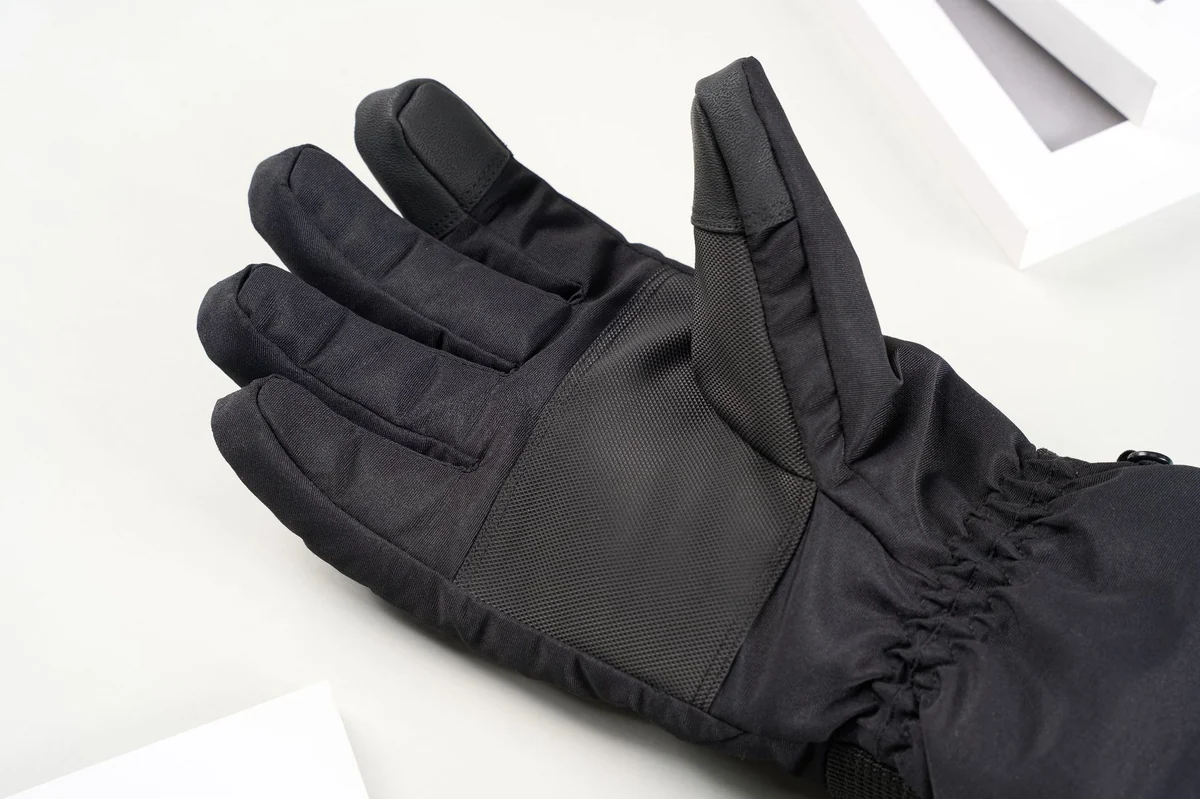
How touchscreen gloves work
Phone screens respond to the small electrical charge in your skin. An ordinary glove blocks that, which is why the screen ignores it. A touchscreen glove has a patch of conductive material at the fingertip that carries the signal from your finger to the glass.
The panel relies on your finger's own charge, not on the glove's heat, so switching the heat on or off should make no difference to it. Panels are usually on the thumb and index finger, because those are the fingers people use on a phone.
What you can do with them on
Touchscreen panels are good for the quick jobs that come up outside:
- Answering or ending a call.
- Unlocking with a pattern or a passcode, if the buttons are big enough.
- Checking a map or the next turn on a walk or ride.
- Skipping a track, pausing a podcast or taking a photo.
They are less good for long typing. An insulated glove fingertip is wider than a bare finger, so small keys get harder to hit. Voice typing is usually the easier route with gloves on.
Getting taps to register
If a touchscreen glove seems hit and miss, these usually help:
- Use the pad of the panel, not the very tip or the seam.
- Press firmly enough that the panel lies flat on the glass.
- Make sure the glove fits snugly at the fingertip. A loose fingertip folds over and misses.
- Keep the panel clean and dry. Snow, mud or a wet glove can stop it working or cause stray taps.
- Turn on larger text or bigger buttons in your phone's accessibility settings.
Our gloves' touchscreen panels
Our Rechargeable Heated Gloves have touchscreen panels on the thumb and index finger of each glove. The rest of the glove is an insulated winter glove with a velvet thermal lining, a heating element, a button on the back of the hand for three heat settings, and a rechargeable power pack for each glove in a zip pocket on the cuff.
Because the panels are on both hands, you can hold the phone in one hand and tap with the other, or use your thumb one-handed. They come in one size, L. Fit matters for touchscreen panels, so if you are not sure the fingertips will sit close on your hand, email [email protected] before you order.
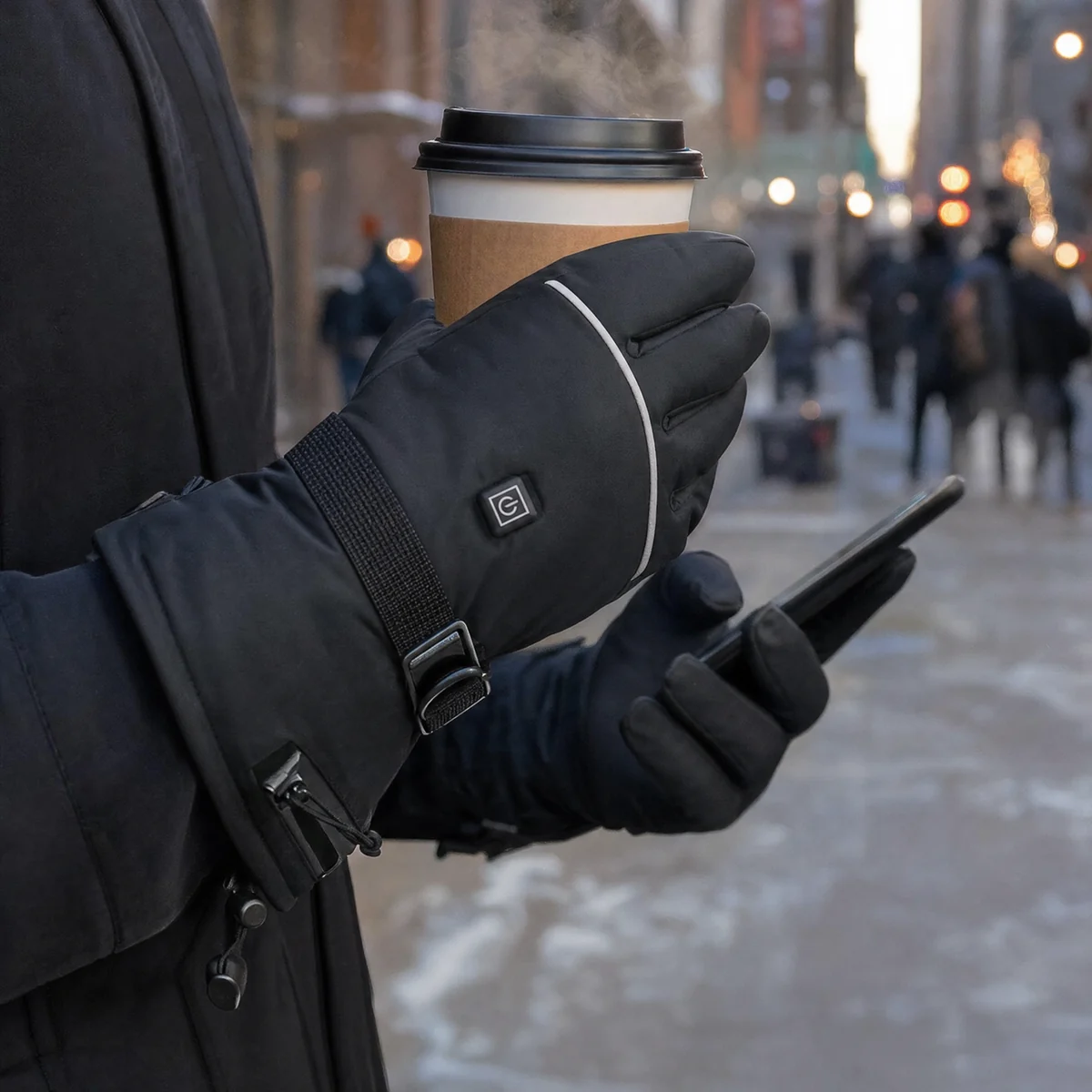
What else to check on a touchscreen heated glove
A touchscreen panel is a small feature on a glove that has a bigger job. Before you choose a pair for the phone panels alone, check the things that decide whether your hands stay warm: where the heat goes, what the battery spec says, and whether the glove fits. Our buying guide covers each of those.
If you mostly use your phone while driving or riding, remember that tapping a screen on the move is risky and often against the law. Set your route before you start. Our guides to driving and cycling cover those uses.
Questions
Do touchscreen gloves really work?
Yes, for taps and swipes, when the panel is clean, dry and sits flat against the screen. They are less precise than a bare finger, so small keys and fast typing are harder.
Which fingers work on a touchscreen?
On our gloves, the thumb and index finger of each hand have touchscreen panels.
Does the heat affect the touchscreen panel?
It should not. The panel works by carrying your finger's signal to the screen, not by using the glove's heat.
Why does my touchscreen glove stop working?
The usual causes are a wet or dirty panel, a loose fingertip that folds over, or pressing with the seam instead of the pad. Dry the panel and try again with the flat of the fingertip.